


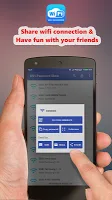

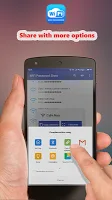
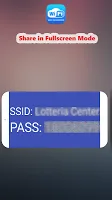
Wifi Password Show is an Android application designed to reveal the passwords of all Wi-Fi networks your device has previously connected to. This powerful utility provides a straightforward solution for those moments when you’ve forgotten a password for a network you’ve used before. It’s an indispensable tool for retrieving essential network credentials, though it requires your Android smartphone to have root privileges to access the necessary system files.
Retrieving Forgotten Credentials
This application offers a seamless way to recover Wi-Fi passwords that have been stored on your device. Whether you’ve forgotten the password to your home network or need to share access with a guest, the platform allows you to quickly view the necessary details. It eliminates the frustration of searching for network keys, providing instant access to information your device already holds.
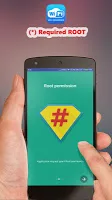
Understanding Root Access
The functionality of this tool is contingent upon having root privileges on your Android device. This requirement stems from Android’s robust security architecture, which protects sensitive system data, including saved Wi-Fi passwords. Root access grants the application the elevated permissions needed to delve into the system files where these passwords are encrypted and stored, making their retrieval possible.
Intuitive User Interface
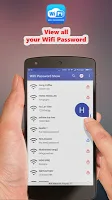
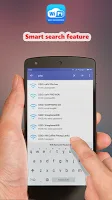
Navigating the app is designed to be a simple and user-friendly experience. The interface presents the saved Wi-Fi networks in a clear, organized list, making it easy to locate the specific network you’re interested in. With just a few taps, users can access the corresponding password, ensuring that even those less tech-savvy can efficiently utilize the application’s core feature.
Practical Everyday Applications
The utility of this application extends to various practical scenarios. Imagine setting up a new smart device that requires a Wi-Fi password you’ve long forgotten, or perhaps you’re hosting friends who need to connect to your network. This tool simplifies these situations by instantly displaying the required password, saving time and hassle for both you and your guests.













Write a review